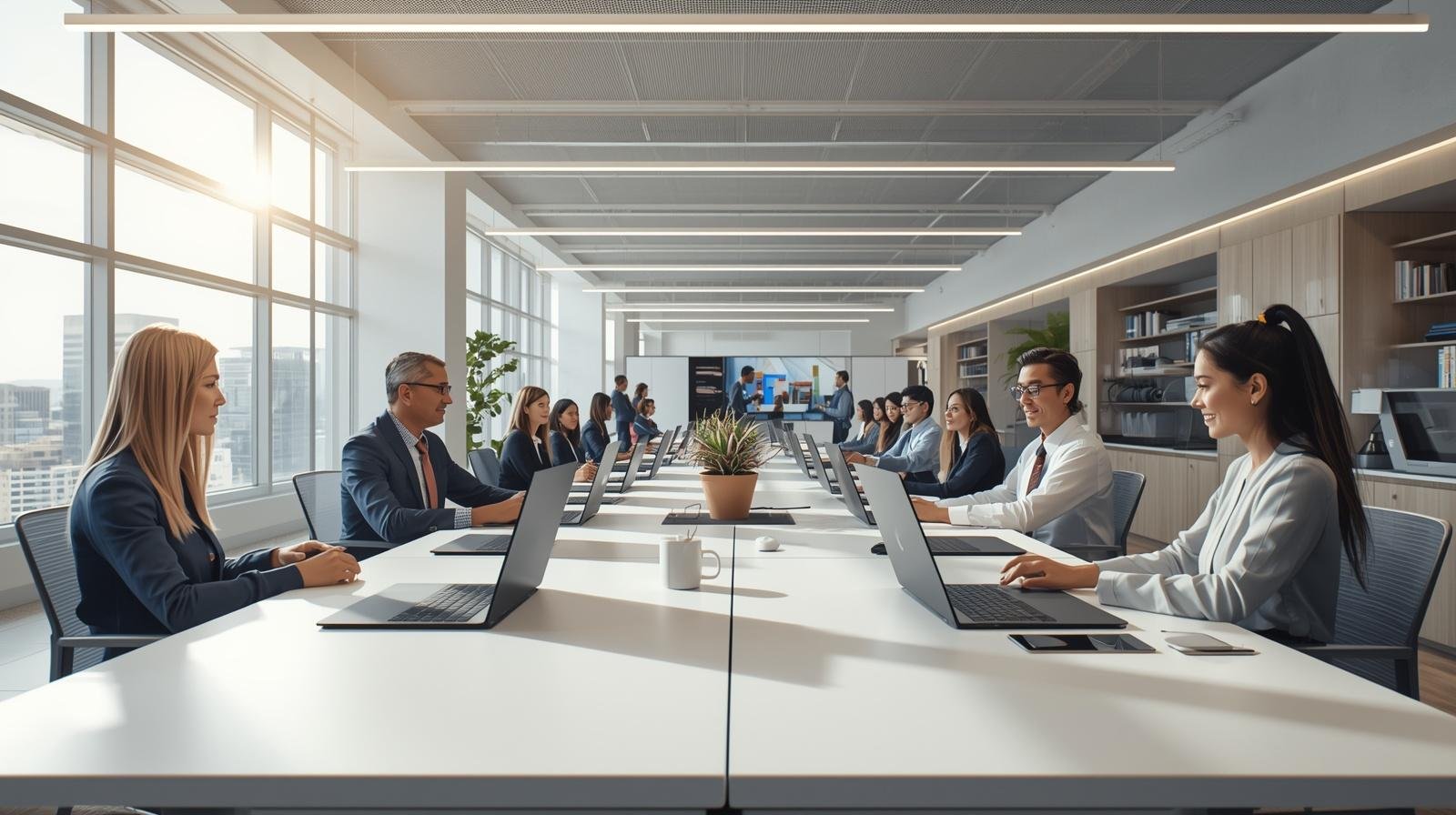
The modern workplace is evolving faster than ever before. Organizations are embracing hybrid work models, digital collaboration, and AI-driven productivity tools to stay competitive in an increasingly connected world. As this transformation continues, businesses need devices that support flexibility, security, and seamless collaboration. Surface for Business has emerged as a powerful solution for organizations seeking to modernize the employee experience and improve productivity.
Surface for Business devices are designed specifically for enterprise environments, combining premium hardware with Microsoft’s intelligent software ecosystem. These devices help employees remain productive whether they are working from the office, home, or while traveling. More importantly, they provide IT teams with the tools needed to manage and secure devices efficiently.
🚀 Adapting to the Hybrid Work Era
Hybrid work has fundamentally changed how organizations operate. Employees now expect flexibility, seamless communication, and access to business tools from anywhere. Traditional devices often struggle to support these demands effectively.
Businesses require technology that enables:
- Seamless collaboration across locations
- Reliable performance for multitasking
- Secure remote access to company resources
- Mobility without compromising productivity
Surface for Business addresses these requirements with lightweight, high-performance devices optimized for modern work environments.
One of the biggest advantages of Surface devices is their versatility. Employees can use them as laptops, tablets, or collaborative tools depending on their work style. This flexibility improves user experience and enables teams to work more efficiently.
💡 Enhancing Productivity and Collaboration
Productivity is at the center of every successful workplace strategy. Surface for Business devices are deeply integrated with Microsoft 365 and Teams, allowing employees to collaborate in real time and manage workflows more effectively.
Key productivity features include:
1. Seamless Microsoft Integration
Surface devices work seamlessly with Microsoft applications such as Teams, Outlook, Word, Excel, and PowerPoint. This integration simplifies workflows and improves efficiency.
2. AI-Powered Productivity
AI tools are becoming essential for modern work. Surface devices support AI-driven features such as intelligent meeting summaries, voice recognition, and workflow automation.
3. High-Quality Collaboration Features
Advanced cameras, microphones, and speakers improve virtual meetings and remote collaboration experiences.
4. Pen and Touch Support
Interactive features allow employees to brainstorm, sketch ideas, and collaborate naturally during meetings.
These capabilities help teams stay connected and productive regardless of location.
🔍 Enterprise-Grade Security and Management
Security remains one of the top concerns for enterprises adopting hybrid work models. Employees are accessing sensitive business data from multiple locations and devices, increasing the need for robust security measures.
Surface for Business devices include built-in enterprise-grade security features such as:
- TPM hardware security modules
- Windows Hello biometric authentication
- Secure boot protection
- Integration with Microsoft Defender and Intune
These features help organizations protect sensitive information and reduce cybersecurity risks.
For IT teams, device management is also simplified. Surface devices integrate with Microsoft Endpoint Manager and cloud-based management tools, enabling centralized deployment, updates, and monitoring.
⚙️ Supporting Innovation and Digital Transformation
Digital transformation requires organizations to rethink how employees interact with technology. Surface for Business supports this transformation by enabling mobility, automation, and AI-powered workflows.
Engineering, sales, marketing, and leadership teams can all benefit from devices that enable faster communication and smarter decision-making.
Examples include:
- Sales teams conducting presentations remotely
- Engineers collaborating on designs in real time
- Executives accessing analytics dashboards securely
These use cases demonstrate how Surface devices contribute to operational efficiency and innovation.
🧠 Creating Better Employee Experiences
Employee experience is now a major factor in business success. Organizations that provide reliable, modern technology are more likely to improve engagement and productivity.
Surface devices offer:
- Lightweight and premium designs
- Long battery life
- Fast performance
- Flexible usage modes
These features improve satisfaction and help employees work more effectively.
🔐 Challenges in Device Modernization
Despite the benefits, organizations may face challenges such as budget constraints, migration complexity, and employee adaptation.
To overcome these challenges, businesses should:
- Implement phased rollouts
- Provide user training
- Align device strategies with long-term business goals
✅ Conclusion
Surface for Business is helping organizations redefine the future of work by combining performance, security, flexibility, and intelligent collaboration tools. As hybrid work and AI-driven productivity continue to grow, businesses need future-ready devices that support innovation and operational efficiency.
Organizations that invest in modern workplace technologies will be better positioned to attract talent, improve productivity, and remain competitive in a rapidly evolving digital landscape.
Leave a Comment